
THE PRACTICAL ANSWER
Choose dumpster rental software by following one realistic rental from quote to pickup and final billing. Then test what happens when the delivery is late, the assigned container changes, or the customer disputes a charge. A useful demo proves your everyday workflow and its exceptions.
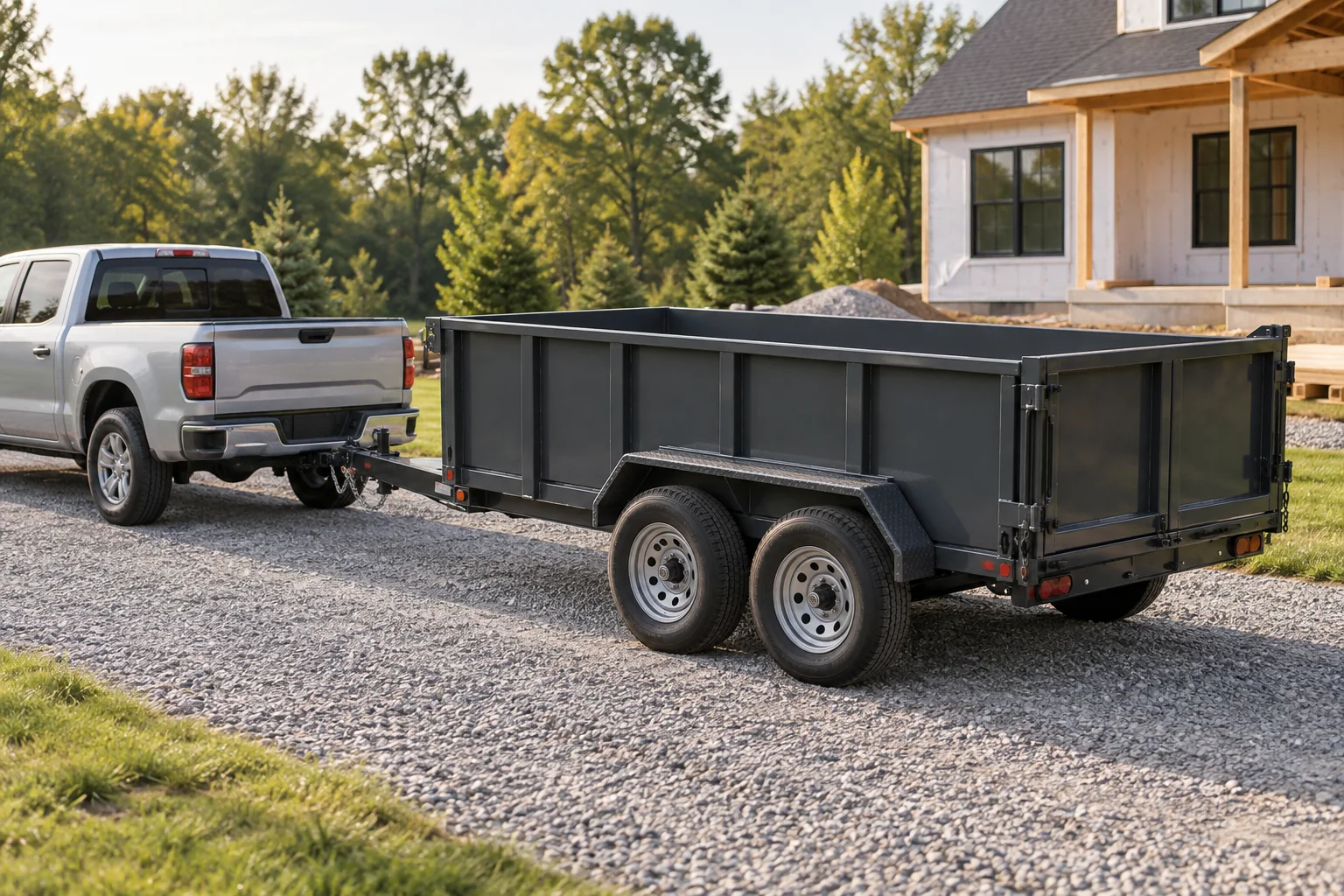
A booking calendar can look organized while the work behind it still lives in text messages. The container number is in one conversation, the placement photo is on a driver’s phone, and the office has a different pickup date. Buying software should make that handoff easier to trust.
This guide is a practical evaluation framework for owners, including small teams choosing their first system. It is not a ranked list of vendors. Gravel publishes it, so apply the same questions to a Gravel demo that you would to any other provider.
1. Start with the work your company actually does
Write down the equipment you own and the jobs you accept before making a feature list. A roll-off company, a towable dumpster operator, and a business doing both may use similar words for different work. A generic “container” field does not prove the software understands your truck compatibility, appointment rules, or inventory.
Pick three recent jobs and remove customer information before sharing them: a routine rental, an exchange, and a job with an exception. Keep the actual sequence of events. Note who took the booking, which truck and container were assigned, when the unit arrived, what changed, and how the final bill was explained.
- Equipment: container sizes, individual unit numbers, compatible trucks, and anything unavailable for repair.
- People: owner, office staff, drivers, and customers who need different access.
- Commercial rules: rental duration, included weight, extension terms, delivery fees, and account-specific pricing.
- Sites: coverage area, gate access, placement instructions, and customers with multiple locations.
Give the provider this brief before the call. Ask which parts are available today, require configuration, depend on another service, or remain planned. Save those answers alongside the proposal. A clear limitation is more useful than an impressive feature label you cannot test.
2. Follow one job from quote to final invoice
Ask the presenter to create a new quote while you watch. Change a price input, choose a rental date, reserve equipment, and turn the accepted quote into work for a driver. Avoid evaluating only preloaded screens: entering and changing the data reveals where your team will spend time.
Use this fictional scenario: a customer wants a container on Tuesday, requests a precise arrival time that is not yet confirmed, then asks to move delivery to Wednesday. The driver delivers late in the day. A later exchange replaces the full container. The pickup leads to a documented weight charge under the customer’s agreed terms.
| Step | What to ask the provider to show |
|---|---|
| Quote | A repeatable total, the terms included, and a saved copy of what the customer accepted. |
| Reservation | A date conflict and a unit that is unavailable for repair. |
| Dispatch | A confirmed appointment kept separate from the original requested time. |
| Delivery | Actual unit, timestamp, placement record, and the start of the rental clock. |
| Exchange | The outgoing and replacement units, with the correct job and pricing treatment. |
| Final bill | The evidence behind added charges and a clear invoice history. |
For Gravel specifically, the rental clock starts when the driver records the actual dropped event. A booking or an assignment does not start it. Whatever system you choose, have the provider show its exact rule. That rule affects inventory visibility, customer conversations, and rental-duration charges.
Change tomorrow’s rate after creating the first job. The already-agreed rental should still explain the terms accepted at booking. If a provider allows a repricing action, ask who can use it and how the previous agreement stays visible. A price setting and an individual customer agreement serve different purposes.
3. Test inventory and the driver handoff
Availability is more than the number of units sitting in a yard. A container might be reserved, on rent, in transit, awaiting inspection, or under repair. Ask what happens when an expected morning return is delayed and another customer is waiting for that same equipment.
Have the provider move the job to another driver and substitute a different compatible unit. Look for one consistent record of the assignment. If the office needs to update three screens and send a separate message, count that as part of the workflow cost.
Then open the driver experience on a phone. A driver should be able to find the next assigned job, customer contact, access details, and placement instructions without searching a long customer history. Record arrival, a completion event, a note, and a photo. Check what the office sees after each action.
Test poor connectivity deliberately in a demo environment. Ask whether the screen merely stays open or whether new records can actually be saved offline. Reconnect and verify the same job received one completion, the correct timestamp, and its photo. Unsupported offline behavior should be documented so you can plan a workable fallback.
For a concrete field-to-office handoff, use our dumpster dispatch checklist. It gives you an acceptance list for a trial, rather than a vague impression that the dispatch board looked easy.
4. Make the messy cases part of the demo
The routine job should be quick. The unusual job should still be understandable. Ask the provider to show a closed gate, a customer cancellation, a damaged unit, and a driver who completes only part of the assigned work. Confirm that unresolved work remains visible to someone responsible for following up.
For billing, start with the customer’s question: “What is this charge?” Can the office find the accepted rate, the relevant event, and the supporting record from the invoice? An overwritten amount with no explanation makes a dispute harder to resolve even if the final number happens to be right.
- Submit the same driver update twice and check for duplicate work records or charges.
- Record a correction and verify that the earlier event is still visible in the history.
- Sign in as a driver and confirm that unrelated customer accounts and administrative settings are unavailable.
- Sign in as a customer and confirm that they can only see their own records.
- Ask how failed payment updates and failed accounting exports are detected and retried.
These are demonstration requests, not permission to experiment on live customer records. Agree on a trial workspace and fictional data. When a provider cannot show a particular scenario during the first call, write it down as unresolved and ask for evidence before committing.
5. Compare total cost and the path to going live
Compare the same operating setup across proposals. A base subscription may include different numbers of users, vehicles, branches, or customer-facing features. List the features you actually tested, their required tier, and any separately billed services. Keep software charges separate from what you charge renters.
Ask about data preparation and migration. Who cleans duplicate customers? How are open rentals represented? Can you import equipment with its existing unit number? How will historical invoices remain accessible? An inexpensive subscription can still require substantial owner time if the handoff is unclear.
Get specific about connected services. Payment processing, accounting, messages, and maps may depend on separate accounts or usage fees. Ask which integration has been demonstrated, what data moves in each direction, and who resolves failures. A logo on a pricing page is not a complete integration test.
Finally, request an exit and recovery explanation. Find out how to export your customer list, equipment, jobs, invoices, and attachments; who keeps backups; and what a restore involves. Set a trial success condition, such as completing your three sample jobs with the actual office and driver roles. Schedule the cutover only after the essential steps pass.
6. Use a simple scorecard, then make the decision
For each requirement, use one of four labels: demonstrated, demonstrated with a limitation, promised but not shown, or unsupported. Give every must-have an owner and a follow-up date. This keeps a polished presentation from outweighing an unresolved operating requirement.
Download the software demo scorecard ↓Requirements, evidence, limitations, and follow-up fields · CSV · No signup requiredEvaluate your most important requirements before optional conveniences. If your team cannot trust inventory or explain invoices, a better-looking dashboard will not solve the underlying problem. If the daily work is sound, then compare how much office effort scheduling, reminders, and reporting can remove.
If you also rent portable toilets, add a long-running rental with recurring cleaning and a partial pickup to the trial. These are different events in one ongoing agreement. Our 28-day versus monthly billing guide gives you a clear billing example to bring along.
When considering Gravel, review the product tour and current plans, then ask for a demo around your own equipment and jobs. Gravel Sanitation and Combo are in development; confirm current availability rather than treating a roadmap item as delivered functionality.
Sources & further reading
These references support the workflow principles discussed above. The checklists and worked examples are original Gravel guides.
- TrashLab: dumpster rental software workflow guide ↗
- ServiceCore: rentals, inventory, and linked jobs ↗
- Gravel product tour and availability ↗
Published by Gravel, a rental business software provider. Examples are illustrative, and operators set their own rental rates and terms.